(800) 908-6073 info@accountingsolutionsforyou.com


We Take Your Security Seriously!
To ensure your sensitive data remains secure, we use Verifyle’s patented encryption key management technology to send and receive information securely. Verifyle keeps your personal data protected from cyber threats while making it easier for us to collaborate on your tax return.
For security reasons, we no longer send unencrypted tax returns or other sensitive documents through regular email. Instead, Verifyle provides a secure, user‑friendly platform for sharing files and communicating with us. You can view submitted documents anytime, ask questions through its secure messaging channel, and even complete electronic signatures in compliance with IRS guidance for Forms 8878 and 8879. It also eliminates the need to leave your paper documents with anyone. We encourage all clients to use Verifyle, and we’re always happy to walk you through the process.
For further guidance, you’ll find a brief tutorial below along with a quick‑start video. When you’re ready to upload your documents, simply use the link provided.


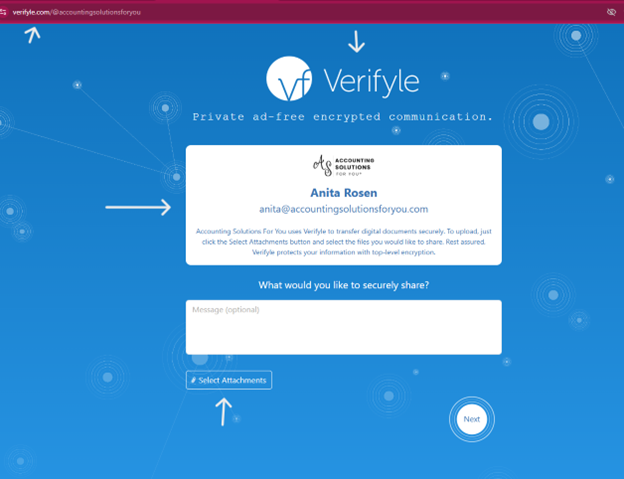
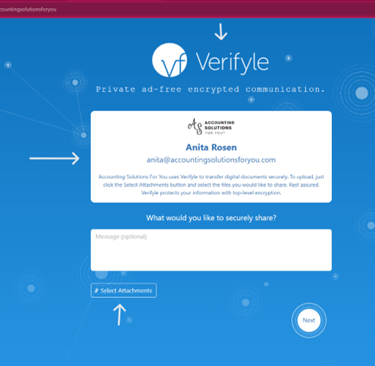
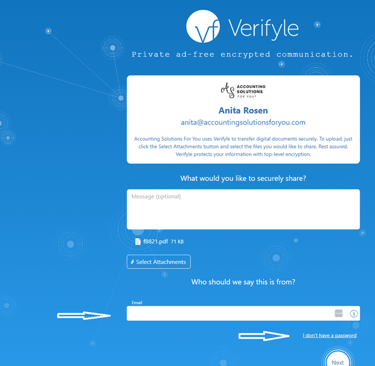
The Verifyle landing page will look similar to this. You'll have the option of including a message with any attachments.
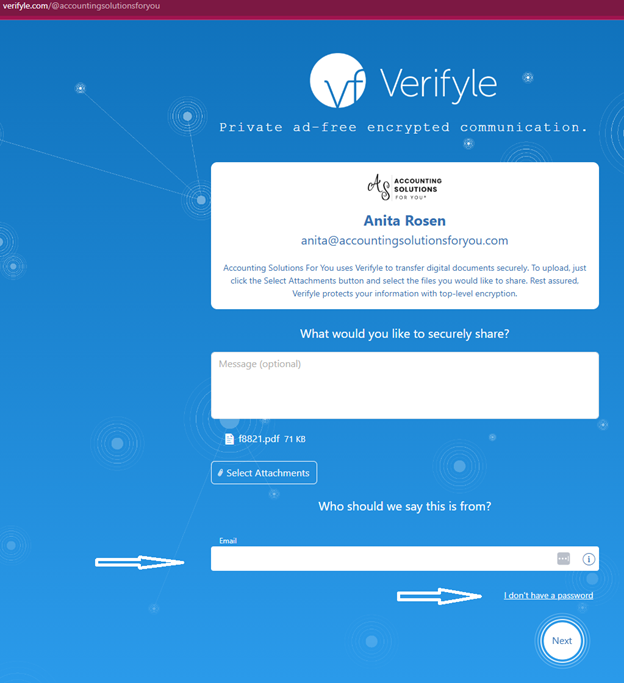
Selecting attachments will open the rest of the form where you can add your email address & select the I don’t have a password link.
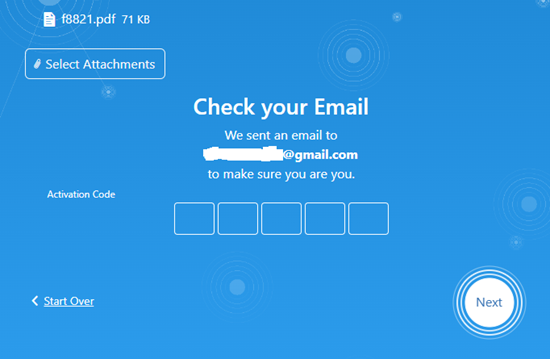
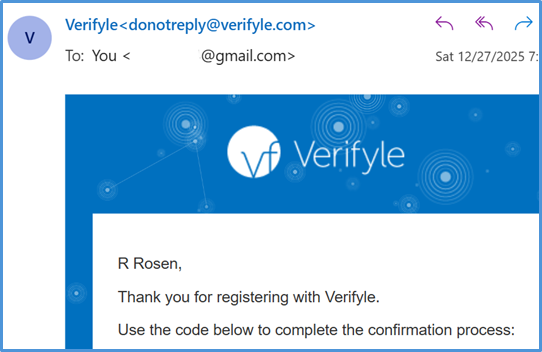
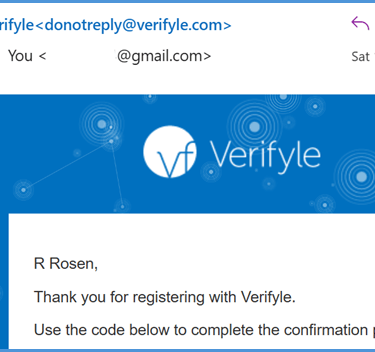
Verifyle will send you an email with an activation code.
The email will come from donotreply@verifyle.com.
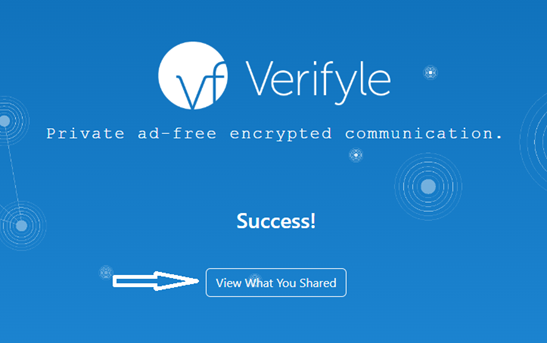
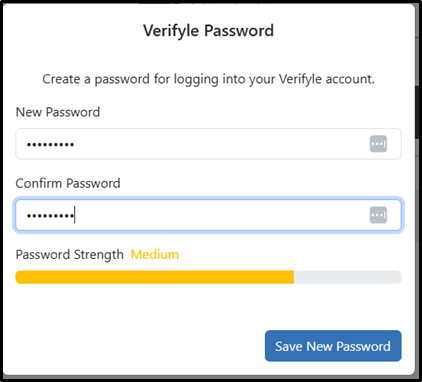
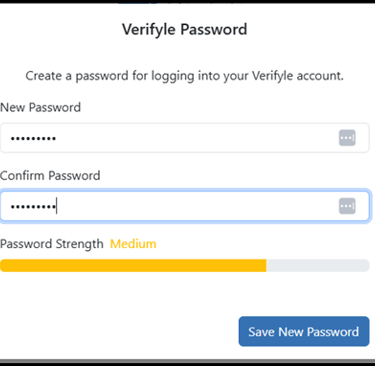
A message will appear confirming the file was shared. Click 'View What You Shared' to proceed to the Create Password screen.
And simple as that, your account creation is now complete, and you can begin sharing immediately.
Connect
Follow us on social media
Contact
info@accountingsolutionsforyou.com
(800) 908-6073
© 2024. All rights reserved.